In testing
The messaging app for your own servers.
AnnexTalk brings the conversations from your AnnexFLOW core and your self-hosted AnnexGroup server into one app — for iPhone and iPad. Chat in full depth, plus mail, calendar and contacts for reading and deciding on the go.
What it does — verified in the current test build
The chat core in full depth, plus the inbox from your server. Every claim on this page describes the current test build — nothing here is a roadmap item.
One app, both worlds
AnnexTalk connects to the AnnexFLOW core and to your on-premises AnnexGroup server alike. Several servers and accounts side by side, managed as profiles.
Rooms and channels, synced live
Messages arrive as they are sent. Reactions, mentions, threads, pins and search are part of the stream.
Attachments, both ways
Upload files, and download, open or share what others send — with QuickLook preview on the device.
Agents as conversation partners
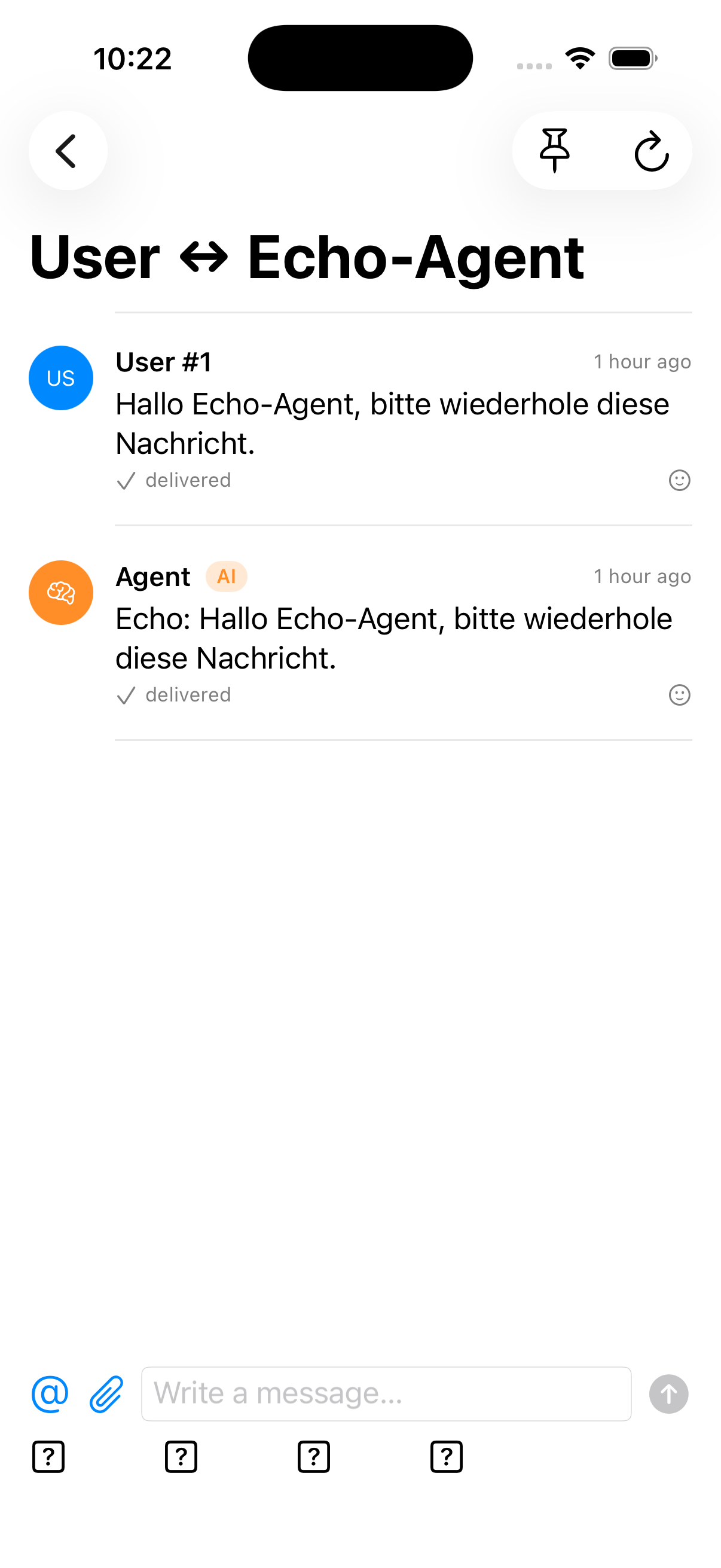
Direct messages with agents, @agent mentions, agent replies in the stream — always visibly labelled as AI, with badge and sender role.
Delivery you can see
Every message shows its state: sent, or failed with a retry option. What you have read stays available offline, from the cache.
Made for iPhone and iPad
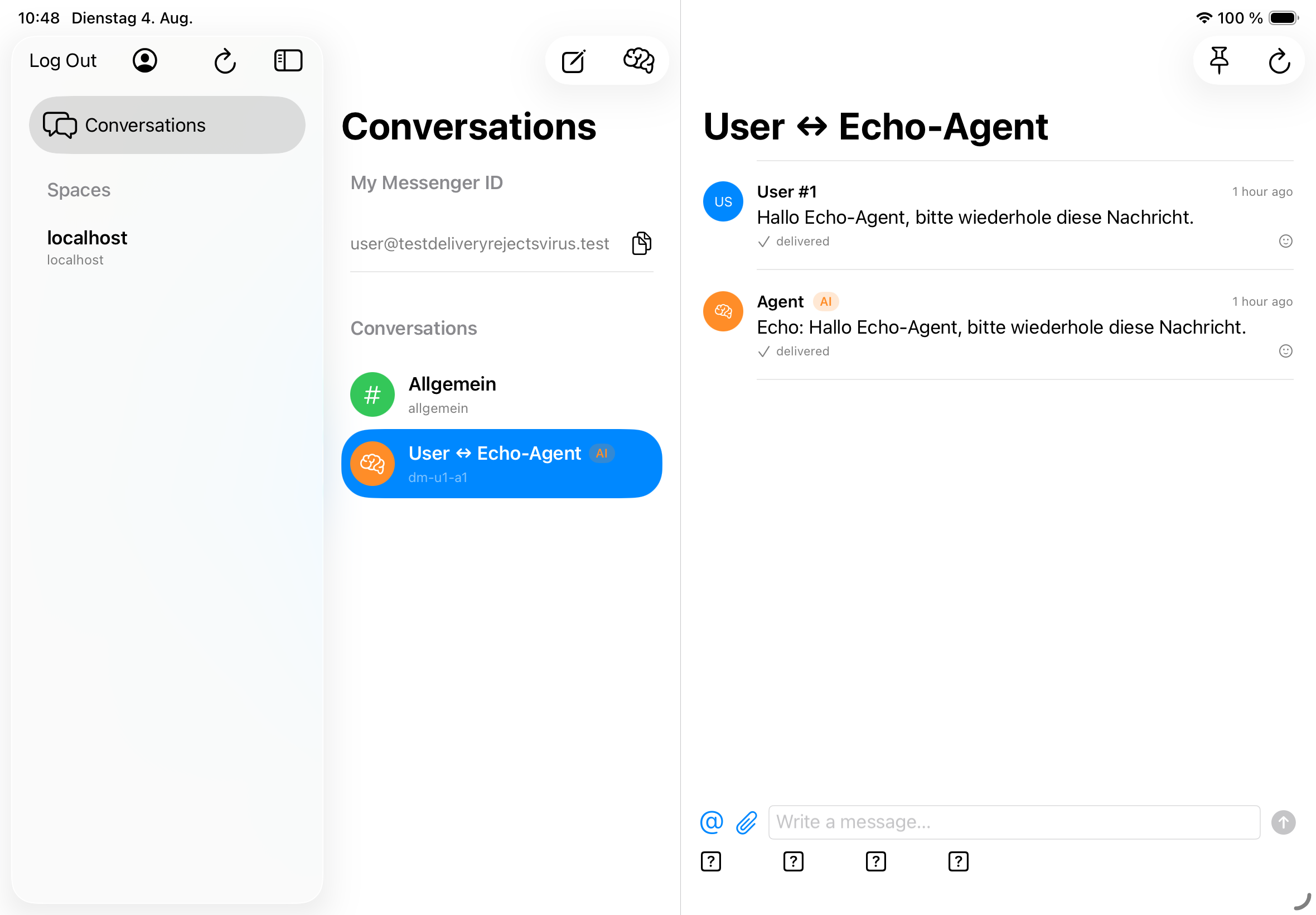
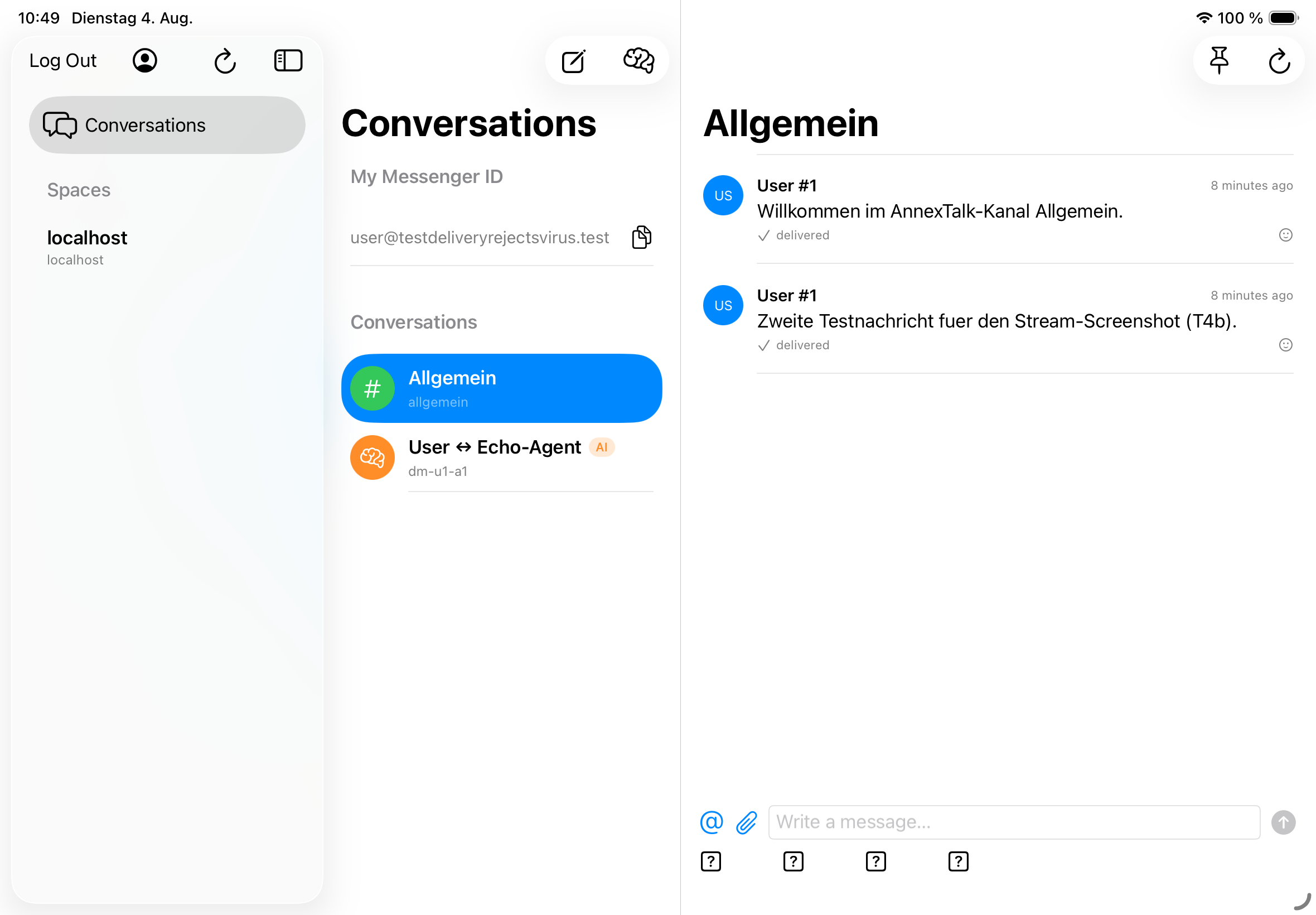
Adaptive layout — a stack on iPhone, columns on iPad. Keyboard shortcuts, drag & drop, five languages (de/en/es/fr/it), accessibility labels, Dynamic Type, Dark Mode.
The inbox: groupware at triage depth
Four things from your AnnexGroup server that matter on the go: read, decide, reply briefly. Nothing more — the phone is a place for decisions, not a second desk.
One inbox instead of four apps
Unread mail (including the ones with attachments and today's), your next appointments and unread channels in one view — one glance tells you why your phone buzzed.
Read and triage mail
Inbox and folders, full-text search, view and forward attachments, archive instead of delete — and clear things away with a two-sentence reply.
Read the calendar, answer invitations
Today and the next seven days at a glance; accept or decline invitations with a few taps.
Contacts at hand
Search and detail view: the number or address you need right now, within reach.
Notifications, honestly explained
AnnexTalk does not use a push service. In the background, the app asks your own AnnexGroup server whether anything is new — and what that means in everyday use:
How it works
- iOS sets the pace of the background check: depending on usage, every few minutes to every few hours. The app cannot promise more.
- The notification is local and deliberately content-free (“There are new notifications”). Opening the app loads the actual content.
- On the Mac, the app keeps the connection to your server open directly — no background check needed there.
When nothing arrives
- After swiping the app away in the app switcher, no check runs — and no notification arrives.
- The same applies in Low Power Mode.
- And with Background App Refresh turned off in the iOS settings, the app stays silent by design.
Screenshots, not mockups
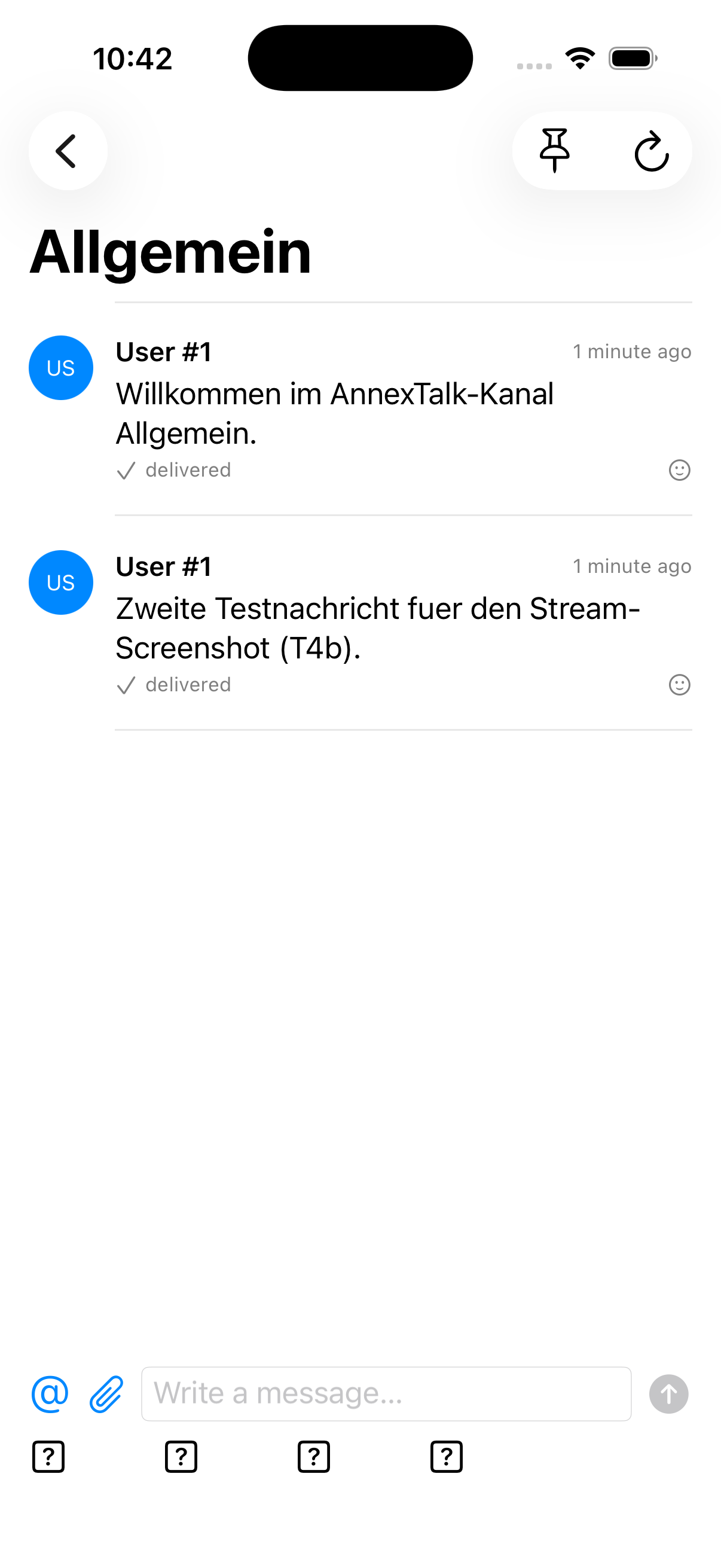
Taken from the simulator build T4 (04.08.2026) — the same build that ships. They show the chat core; agent conversations carry the visible AI badge.
Privacy without a detour
The app is a client, not a service. Between your phone and your data there is no ma-kom infrastructure:
- The app talks directly to your own AnnexGroup server — and to no one else.
- Your data stays on your server — right where you want it.
- Notifications are created locally on the device, not pushed through third-party servers.
- No device tokens are sent to outside operators — there is no relay that could see them.
What it is — and what it is not
We would rather draw this line clearly than let a feature list blur it.
What AnnexTalk is
- The messaging front end of the Annex family — an app for the conversations on servers you run or use.
- One app for AnnexFLOW and AnnexGroup conversations — and the same inbox reads your server's mail, calendar and contacts at triage depth while you are out.
- A client for people and agents — with AI always labelled as AI.
What AnnexTalk is not
- Not a full mail client: no rules, filters, full signatures or S/MIME. On the go you read, triage and reply briefly — the full depth stays at the desk and in the web interface.
- Not a hosted service — there is no AnnexTalk cloud. The app only talks to the servers you connect.
- Not finished — it is in testing, and this page says so instead of showing a signup form.
Where things stand
AnnexTalk is in testing (TestFlight) and not yet in the App Store.
The app will be free — no license fee, no in-app purchases. What you pay for is the server it talks to: AnnexGroup is a groupware server you run yourself — mail, calendar, contacts, tasks and the conversation engine behind AnnexTalk. One-time license, prices on annexserver.com.
Questions, or want to hear when it ships? Write to mail@annextalk.com.